
Computer Vision for Event Design
Computer Vision for Event Design involves the use of artificial intelligence (AI) to interpret and understand visual information from the environment. It enables machines to analyze and process images or videos to make decisions or take act…
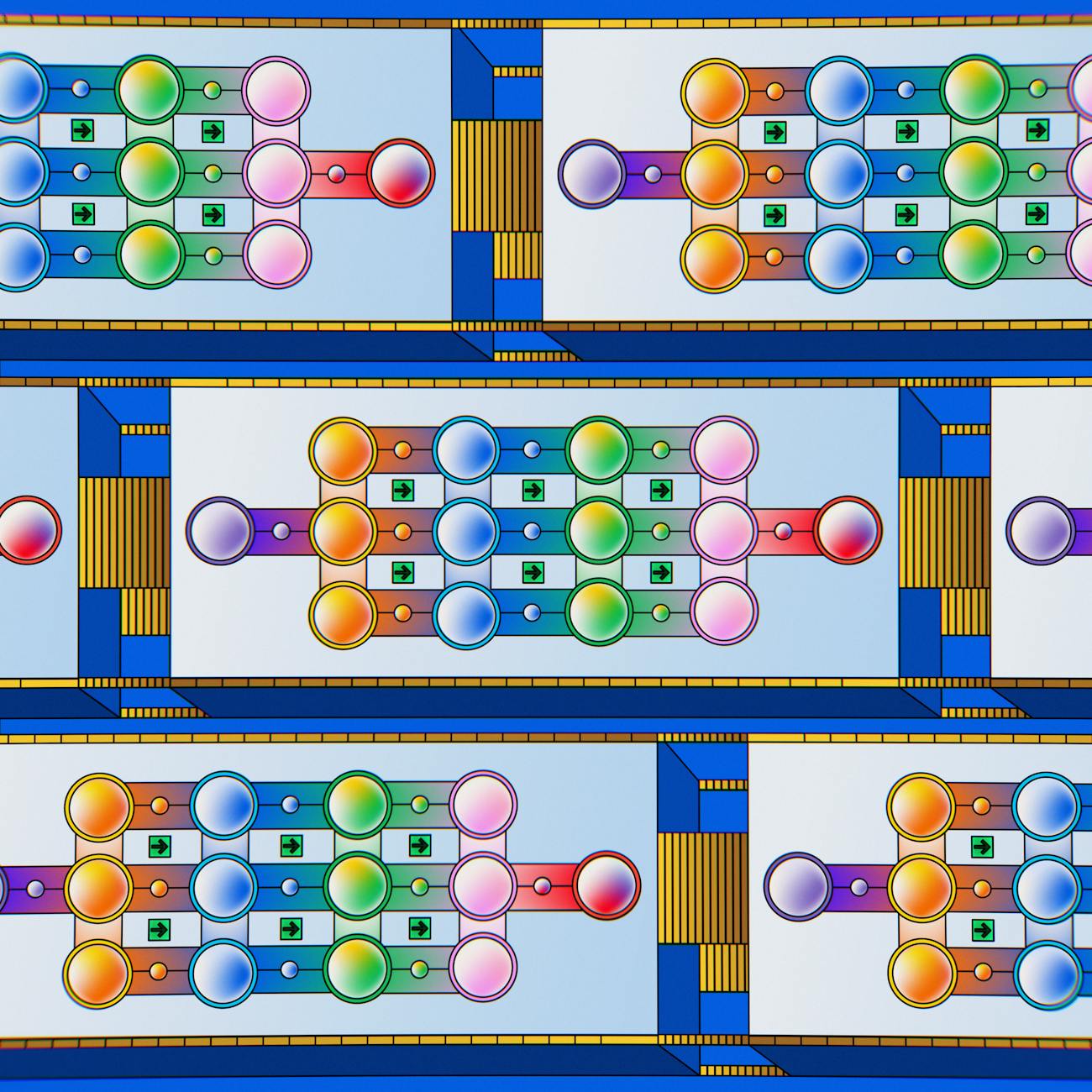
Computer Vision for Event Design involves the use of artificial intelligence (AI) to interpret and understand visual information from the environment. It enables machines to analyze and process images or videos to make decisions or take actions based on the extracted information. In the context of event design, computer vision can be used to enhance the overall experience for guests, improve event logistics, and streamline various aspects of event planning and management.
Key Terms and Vocabulary:
1. Image Processing: The manipulation of digital images to enhance their quality or extract useful information. This can include tasks such as image filtering, edge detection, and image segmentation.
2. Object Detection: The process of locating and classifying objects within an image or video. Object detection algorithms can identify specific objects, such as people, cars, or furniture, and outline them with bounding boxes.
3. Facial Recognition: A biometric technology that identifies or verifies individuals by analyzing facial features from an image or video. It is commonly used for security purposes or personalization in event design.
4. Gesture Recognition: The interpretation of human gestures through computer algorithms. This technology can detect and analyze hand movements, body language, or facial expressions to understand user intentions.
5. Augmented Reality (AR): An interactive experience where digital elements are overlaid onto the real world. AR technology can be used in event design to create immersive and engaging visual experiences for attendees.
6. Virtual Reality (VR): A simulated environment that can be explored and interacted with in a realistic way. VR headsets can transport users to virtual event spaces or provide 360-degree views of event setups.
7. Depth Sensing: The ability to measure the distance of objects from a camera using specialized sensors. Depth sensing is crucial for creating 3D models, understanding spatial relationships, and enabling virtual try-on experiences.
8. Scene Understanding: The process of analyzing an entire scene to identify objects, spatial layouts, and context. Scene understanding algorithms can help event planners assess venue layouts, crowd sizes, and movement patterns.
9. Image Classification: Categorizing images into predefined classes or labels based on their visual content. Image classification models can be trained to recognize event elements such as floral arrangements, decor styles, or event themes.
10. Pattern Recognition: Identifying patterns or trends within visual data to make predictions or draw insights. Pattern recognition techniques can help event designers understand attendee preferences, predict trends, or optimize event layouts.
11. Camera Calibration: The process of determining the properties of a camera and its lens to correct distortions and accurately map 3D points to 2D image coordinates. Camera calibration is essential for accurate measurements and scene reconstruction in computer vision applications.
12. Feature Extraction: Identifying key visual features or characteristics from an image to represent it in a more compact and meaningful way. Feature extraction is crucial for tasks like image matching, object recognition, and image retrieval.
13. Object Tracking: Following the movement of objects across consecutive frames in a video sequence. Object tracking algorithms can help event planners monitor guest interactions, track equipment usage, or analyze crowd flow dynamics.
14. Deep Learning: A subset of machine learning algorithms that use artificial neural networks to model complex patterns and relationships in data. Deep learning has revolutionized computer vision tasks by enabling more accurate object detection, image segmentation, and image generation.
15. Convolutional Neural Networks (CNNs): A type of deep neural network commonly used for image analysis and recognition. CNNs are designed to automatically learn hierarchical representations of visual data, making them well-suited for tasks like image classification and object detection.
16. Generative Adversarial Networks (GANs): A type of neural network architecture that consists of two networks, a generator and a discriminator, trained in opposition to each other. GANs are used for generating realistic images, augmenting data, and creating visual effects in event design.
17. Semantic Segmentation: The process of assigning class labels to each pixel in an image to segment objects and regions of interest. Semantic segmentation is essential for fine-grained analysis of event scenes, such as identifying specific decorations or seating arrangements.
18. Event Recognition: Automatically identifying and categorizing different types of events based on visual cues or patterns. Event recognition algorithms can help event planners classify event venues, themes, or activities to streamline event management processes.
19. Image Enhancement: The process of improving the visual quality of images by adjusting brightness, contrast, colors, or sharpness. Image enhancement techniques can be used to create visually appealing event photos or videos for marketing purposes.
20. Human Pose Estimation: Determining the spatial positions and orientations of human body parts from images or videos. Human pose estimation technology can be used to track guest movements, analyze crowd behavior, or personalize event experiences based on body language.
Practical Applications of Computer Vision in Event Design:
1. Guest Counting: Using object detection algorithms to count the number of guests entering or exiting an event venue. This information can help event planners manage crowd flow, allocate resources, and ensure compliance with venue capacity limits.
2. Interactive Photo Booths: Implementing facial recognition technology in photo booths to personalize guest experiences. Guests can have their images automatically tagged with their names or event details, enhancing the memorability of the event.
3. Venue Layout Optimization: Analyzing venue layouts and crowd dynamics using scene understanding algorithms to optimize seating arrangements, traffic flow, and event logistics. This can improve guest comfort, visibility, and overall event experience.
4. Virtual Venue Tours: Creating virtual reality experiences for prospective clients to explore event venues remotely. VR technology can provide immersive 360-degree views of event spaces, allowing clients to visualize setups and decorations before booking.
5. Real-time Feedback Analysis: Using gesture recognition and sentiment analysis to gauge attendee reactions and engagement during events. Event planners can adjust programming, activities, or presentations based on real-time feedback to enhance guest satisfaction.
6. Theme Detection: Automatically recognizing event themes or decor styles from images or videos using image classification models. This can help event planners curate cohesive event experiences, select appropriate decorations, and align event branding with the theme.
7. Accessibility Features: Implementing object tracking and human pose estimation to assist guests with disabilities or special needs. By tracking wheelchair users or providing personalized assistance based on body language, event planners can ensure inclusivity and accessibility for all attendees.
8. Live Streaming Enhancements: Leveraging depth sensing technology to enhance live streaming experiences for remote attendees. Depth sensing can enable virtual backgrounds, augmented reality effects, or interactive overlays to make virtual participation more engaging and immersive.
9. Wearable Technology Integration: Incorporating wearable devices with built-in cameras or sensors to capture event data or monitor attendee activities. Wearable technology can provide valuable insights into guest interactions, preferences, and engagement levels during events.
Challenges and Considerations in Computer Vision for Event Design:
1. Data Privacy: Ensuring the ethical and secure handling of visual data collected during events. Event planners must comply with data protection regulations, obtain consent for image capture, and implement robust security measures to safeguard attendee privacy.
2. Environmental Factors: Dealing with variable lighting conditions, camera angles, or occlusions that can affect the performance of computer vision algorithms. Event planners need to optimize camera placements, adjust settings, or use specialized equipment to capture high-quality visual data.
3. Model Training and Validation: Investing time and resources in training and fine-tuning machine learning models for specific event design tasks. Event planners may need to collect labeled data, experiment with different architectures, and validate model performance to achieve accurate and reliable results.
4. Integration Complexity: Integrating computer vision technologies with existing event management systems or workflows. Event planners must ensure seamless data exchange, interoperability with other tools, and user-friendly interfaces to effectively leverage computer vision capabilities in event design.
5. Ethical Implications: Addressing ethical considerations related to bias, fairness, and accountability in computer vision applications. Event planners should be aware of potential biases in training data, ensure transparency in decision-making processes, and mitigate unintended consequences of automated systems in event design.
6. Cost and Resource Constraints: Balancing the cost of implementing computer vision solutions with the potential benefits and returns on investment. Event planners need to assess the feasibility, scalability, and long-term sustainability of using AI technologies in event design while considering budget constraints and resource availability.
7. User Acceptance and Adoption: Educating event staff, vendors, and attendees about the benefits and functionalities of computer vision technologies in event design. Event planners should communicate the value proposition, address concerns, and provide training to facilitate the successful adoption and utilization of AI-driven solutions.
8. Performance Monitoring and Evaluation: Establishing metrics and key performance indicators (KPIs) to measure the effectiveness and impact of computer vision applications in event design. Event planners should track performance metrics, gather feedback, and iterate on strategies to continuously improve the use of AI technologies in event planning and management.
In conclusion, Computer Vision offers tremendous potential for revolutionizing event design and enhancing the overall guest experience. By leveraging advanced AI technologies such as object detection, facial recognition, and scene understanding, event planners can streamline operations, personalize interactions, and create memorable events that resonate with attendees. However, navigating the complexities of data privacy, model training, integration challenges, and ethical considerations is essential for successful adoption and implementation of computer vision in event design. By addressing these challenges proactively and leveraging the practical applications of computer vision technologies, event planners can unlock new opportunities for innovation, creativity, and efficiency in the ever-evolving landscape of event planning and management.
Key takeaways
- In the context of event design, computer vision can be used to enhance the overall experience for guests, improve event logistics, and streamline various aspects of event planning and management.
- Image Processing: The manipulation of digital images to enhance their quality or extract useful information.
- Object detection algorithms can identify specific objects, such as people, cars, or furniture, and outline them with bounding boxes.
- Facial Recognition: A biometric technology that identifies or verifies individuals by analyzing facial features from an image or video.
- This technology can detect and analyze hand movements, body language, or facial expressions to understand user intentions.
- Augmented Reality (AR): An interactive experience where digital elements are overlaid onto the real world.
- Virtual Reality (VR): A simulated environment that can be explored and interacted with in a realistic way.